
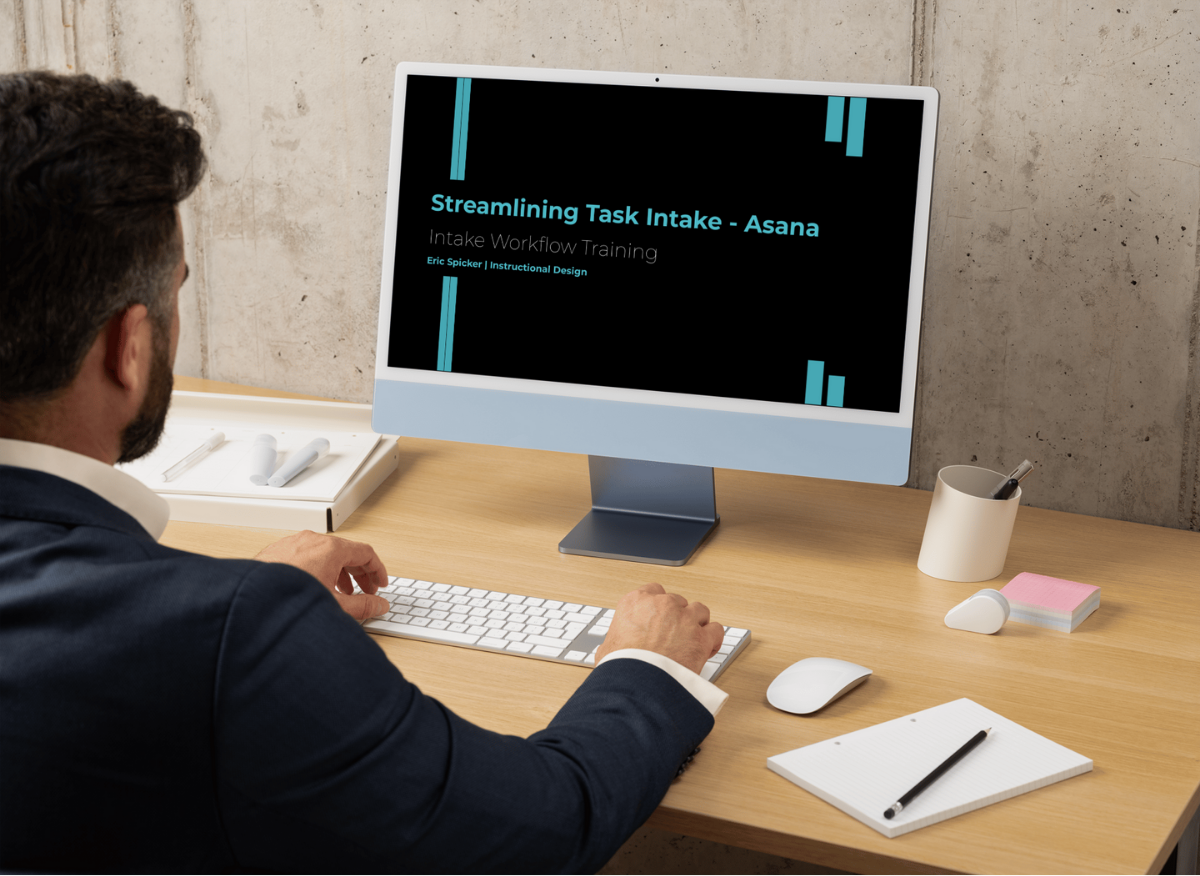
Streamlining Task Intake - Asana
Creating a Simple Intake Workflow in Asana
This project teaches teams how to move from ad-hoc requests to a predictable intake workflow in Asana. The video models clear, SaaS-ready product training: short, structured, and focused on what users need to do and why it matters.
Audience: New hires, cross-functional teams adopting Asana, or stakeholders evaluating workflow improvements.
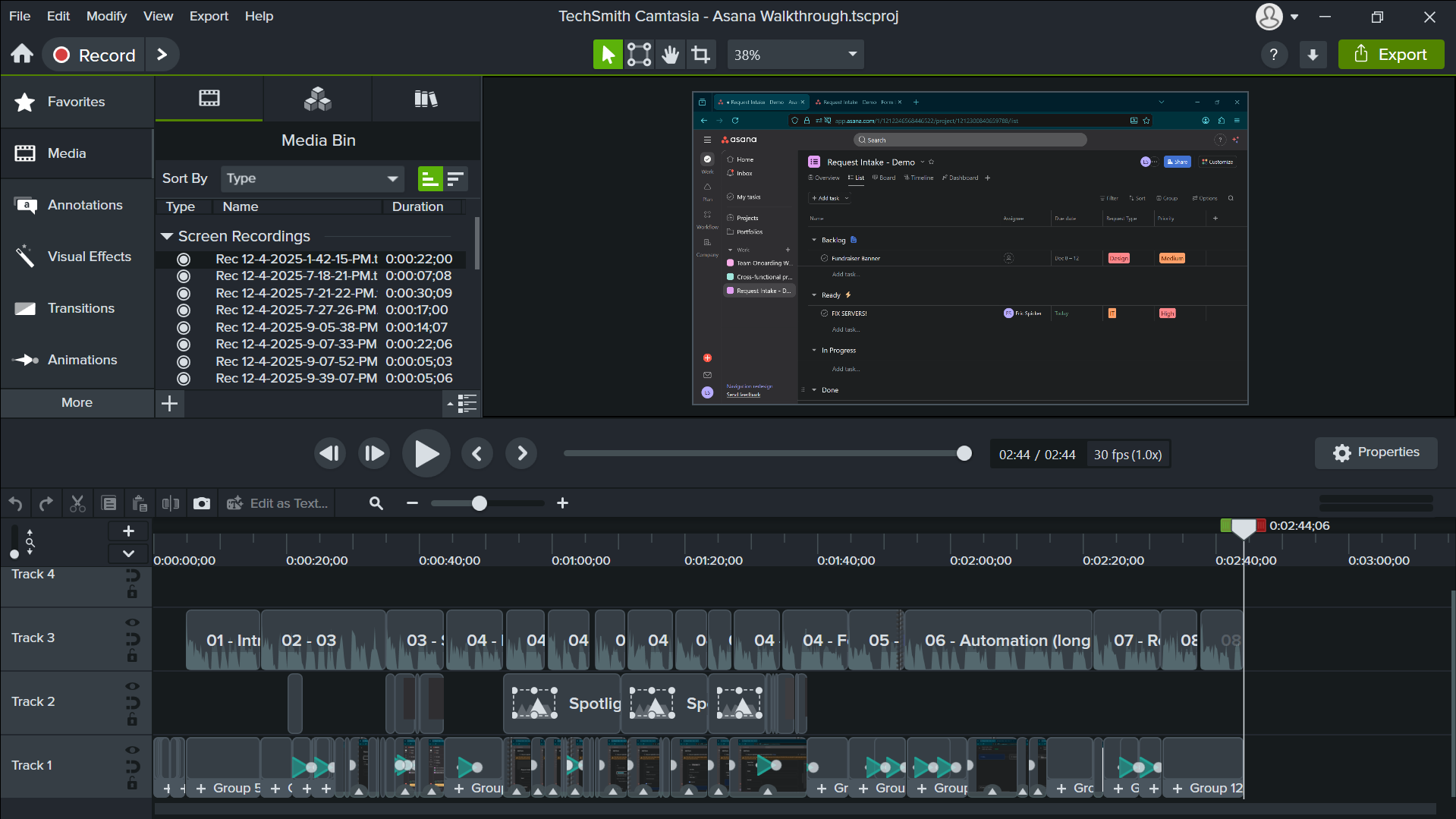
Role: Scriptwriting, screen recording, narration, instructional sequencing, editing, and final production
Tools & Software: Camtasia, Asana, Audiate, ChatGPT
Watch the Microlearning Video
Problem
Teams often handle incoming requests through email, chat, or informal conversations.
Information gets missed.
Priorities are unclear.
Work enters the system inconsistently.
This slows-decision making and creates avoidable follow-ups.
Instructional need
Show learners a simple, repeatable workflow that eliminates ambiguity and reduces intake friction.
Solution
I built a short microlearning video that demonstrates the full request-intake flow in Asana:
Create a dedicated project for structured intake
Build a form with fields that support triage and reporting
Add a simple rule that auto-routes high-priority tasks
Show two real submissions so learners see the workflow behave end-to-end
Design focus
Explain only the essential steps, show each action once, and connect every UI action to a clear workflow purpose. The result is a fast, instructive guide that learners can immediately apply.
-
I wrote a concise script that pairs each narration line with a single purposeful on-screen action. This reduces cognitive load and keeps learners oriented as the workflow unfolds.
-
The video follows a logical, problem-to-solution arc:
build the project → create the form → submit a request → watch automation work.
Each step reinforces what the workflow accomplishes, not just how to click through it.
-
Zooms and focus effects draw attention to fields, rules, and form settings that impact workflow outcomes. Visual emphasis is used only when it supports comprehension.
-
Deliberate cursor movement and steady framing remove distraction so learners can track changes in Asana without effort.
-
Narration is timed to match the learner’s visual processing speed. Tight cuts and consistent pacing keep the microlearning under five minutes while maintaining clarity.
Design Approach
Results & Takeaways
This project shows the ability to convert a real operational workflow into a clear, concise training asset that supports onboarding, cross-team alignment, and tool adoption. The microlearning format delivers only what users need to perform the task, making it easy to reference and reuse.
Demonstrated Capabilities
The final video gives new users a complete mental model of the intake process in under five minutes. They see how structured forms, custom fields, and automation work together, which reduces confusion and helps teams submit requests consistently.
Learner Impact
Focused pacing and intentional emphasis keep UI training from overwhelming learners.
Limiting each segment to a single purpose strengthens comprehension and retention.
Demonstrating two real submissions helps learners transfer the workflow into their own use cases.